
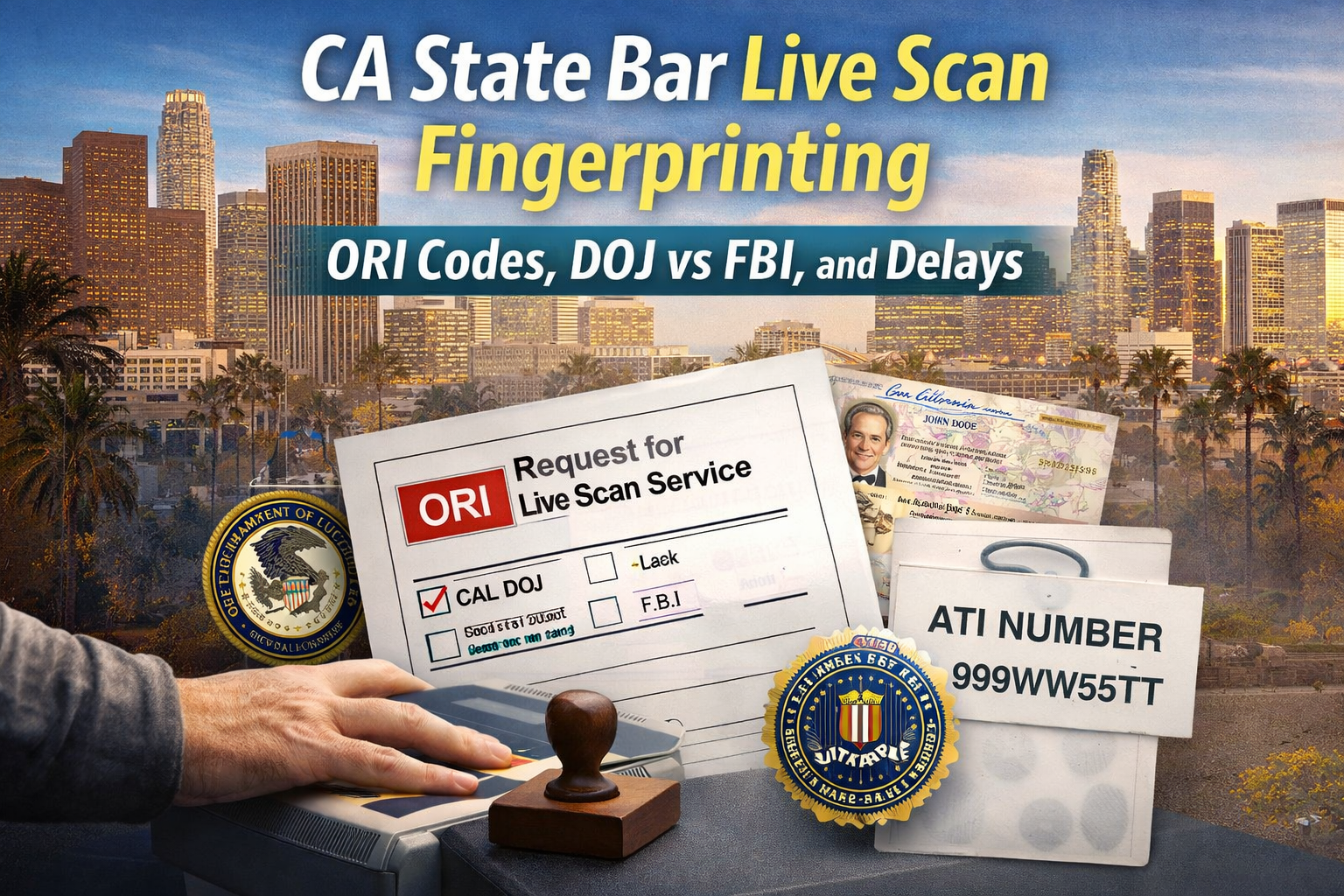
How do I complete the CA State Bar Live Scan fingerprinting requirement in Los Angeles?
To complete the CA State Bar Live Scan requirement in Los Angeles, start with your State Bar Request for Live Scan Service form and confirm the ORI code and required level of service shown on that form. The level of service tells the Live Scan operator whether your submission is California DOJ fingerprinting, an FBI background check, or both. Do not guess or substitute codes. The form controls routing.
Next, bring an unexpired government photo ID that matches the name you use in your State Bar file. At the appointment, the provider captures your fingerprints electronically and submits them based on the form’s routing details. Before you leave, collect your receipt and keep the ATI number. That number is your proof of submission and your reference if the State Bar does not see your results right away.
Finally, submit early enough to keep a buffer. Live Scan transmits quickly, but processing time depends on agency workload and whether anything requires manual review. Most delays come from an incomplete form, a wrong ORI code, selecting DOJ only when DOJ plus FBI is required, or name mismatches. If you avoid those errors, the process is usually straightforward.
Who needs CA State Bar Live Scan, and when is it required?
The State Bar uses fingerprint-based background checks in situations where it needs identity verification and record review tied to an applicant or attorney. Many people first encounter this during the bar admission process, especially when a moral character or licensing workflow requires fingerprints.
You are most likely to need CA State Bar Live Scan if you fall into one of these categories:
- You are applying for bar admission in California and the State Bar packet includes fingerprint instructions.
- You are completing a moral character or eligibility step and fingerprints are part of the checklist.
- You are an attorney handling a State Bar related process that specifically requests Live Scan.
- You are following a State Bar communication that directs you to submit fingerprints via Live Scan and provides a Request for Live Scan Service form.
The key point is this: you do not decide whether you need DOJ only, FBI only, or DOJ plus FBI. The requesting agency decides, and the State Bar tells you through the form it gives you. Your job is to match your submission to that form.
If you are unsure whether you need Live Scan or an alternative method like fingerprint cards, do not guess. Read your instructions and confirm the submission method. Guessing is how applicants lose weeks.
Watch our CA State Bar Live Scan explainer video:
What Live Scan means in State Bar terms
Live Scan is electronic fingerprint capture and transmission. In California, the prints are taken on a Live Scan device and routed electronically to the California Department of Justice, and sometimes to the FBI as well, depending on the requesting agency’s configuration.
For a State Bar submission, Live Scan is not just “fingerprints.” It is a submission with specific routing identifiers and a specific requesting agency profile. That is why the ORI code and agency data fields matter.
After your prints are captured, the Live Scan system generates a transaction record that includes an ATI number. That ATI number is receipt-like proof that your submission was transmitted. It is the number you keep in your personal records because it is often the only way to reference your Live Scan submission if follow-up is needed.
An important detail surprises many applicants: the results do not come back to you. They go to the requesting agency. You may never see the outcome directly; you only see that the request moved forward.
The document that drives the entire process: Request for Live Scan Service
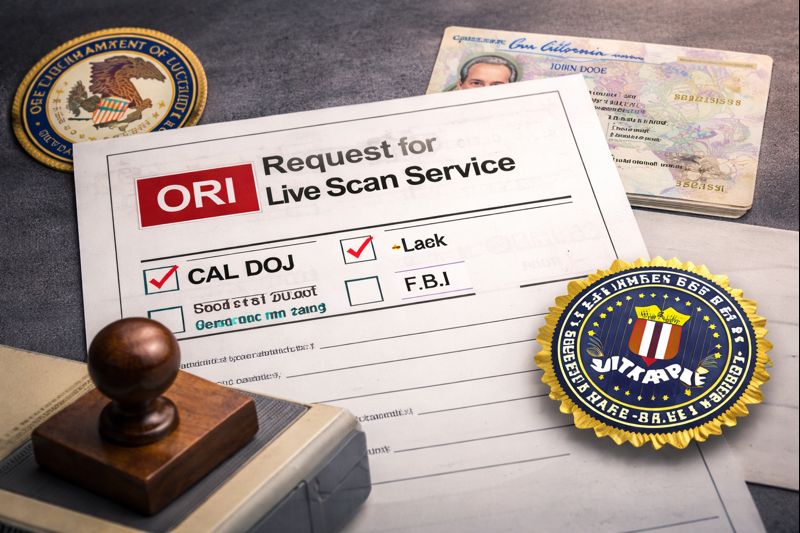
For most State Bar applicants, the Live Scan requirement is delivered through a form commonly referred to as the Request for Live Scan Service. The exact layout can vary, but the purpose is the same. It tells the Live Scan operator where to send the prints and what level of service is required.
This is why you should treat that form as a must-have document. Without it, a Live Scan provider cannot reliably submit your fingerprints for the State Bar requirement because the routing information is missing.
A typical Request for Live Scan Service form includes:
- Requesting agency information.
- An ORI code, which routes the submission to the correct agency.
- A level of service selection, such as California DOJ, FBI, or both.
- Applicant information fields, including name, date of birth, and address.
- Sometimes a billing code or applicant type field that affects the fee structure.
You want to fill this out carefully. Even small mistakes, like a wrong digit in the ORI code or a mismatched name, can produce delays or misrouted submissions.
If your form is incomplete when you arrive for a Live Scan appointment, you should expect friction. The operator can scan fingerprints, but they cannot fix an agency routing issue that only the requesting agency can correct.
ORI codes: what they are and why they matter
The ORI code is one of the most important pieces of the State Bar Live Scan workflow. It is the identifier used to route your submission to the correct requesting agency profile. Think of it as the delivery address for your fingerprints.
When applicants hear “ORI,” they often assume it is optional. It is not. If the ORI code on the form is missing, incorrect, or overridden, your submission can be sent to the wrong destination.
That usually creates one of two problems:
- The requesting agency never receives the results and you are flagged as incomplete.
- The submission is rejected or treated as invalid for the purpose you needed.
For a State Bar requirement, use the ORI code that the State Bar provides on the Request for Live Scan Service form. Do not use a code you found online. Do not reuse a code from a different application. Do not assume another person’s code applies to you. ORI codes can be agency-specific and sometimes purpose-specific.
If you do not have the form or the ORI code, you are not ready to submit. Obtain the correct instructions first.
DOJ fingerprinting vs FBI background check: what is the difference?
Applicants often say, “I just need a background check.” The problem is that the State Bar requirement can be configured for California DOJ only, FBI only, or DOJ plus FBI. If you submit the wrong level of service, the submission may not satisfy the requirement.
Here is the practical distinction:
- DOJ fingerprinting is typically tied to California’s system and California record checks.
- An FBI background check adds a federal record check component.
- If your form requires an FBI background check, that portion is processed through federal channels under federal authority, not only through California DOJ.
Some agencies require both because they want broader coverage. The level of service is indicated on your Request for Live Scan Service form. That is the authority you follow.
Quick Reference Table: CA State Bar Live Scan (DOJ vs DOJ + FBI vs Fingerprint Cards)
| Item | DOJ only Live Scan | DOJ + FBI Live Scan | Fingerprint cards (ink) |
|---|---|---|---|
| Where it is routed | California DOJ | California DOJ + FBI | Mailed per agency instructions |
| Who decides | State Bar form | State Bar form | State Bar instructions |
| What you must bring | Request for Live Scan Service form + valid ID | Request for Live Scan Service form + valid ID | Correct fingerprint card + agency paperwork + valid ID if required |
| Most common error | Wrong ORI code or incomplete form | Submitting DOJ only when DOJ + FBI is required | Smudged prints or incorrect demographics |
| Proof you keep | Receipt with ATI number | Receipt with ATI number | Tracking or submission proof, if provided |
For CA State Bar, Live Scan is typically the correct path when you are physically in California and the form is designed for Live Scan routing. If you are outside California, or the State Bar instructs an alternative submission method, fingerprint cards may be the correct route.
Step-by-step process guide for CA State Bar Live Scan in Los Angeles
A good Live Scan appointment in Los Angeles takes about as long as it takes to capture high-quality prints and confirm all form fields. The goal is not speed. The goal is accuracy.
Step 1: Confirm you have the correct form and the correct purpose
Before you schedule, confirm you have the Request for Live Scan Service associated with your State Bar requirement. Do not use an old form. Do not use a form from another licensing agency. If the State Bar updated the instructions, use the updated version.
Step 2: Review the ORI code and level of service on the form
Check the ORI code on the form and confirm whether the form indicates DOJ, FBI, or both. If the form is unclear, contact the requesting agency, not the Live Scan provider. The provider cannot guess the correct routing.
Step 3: Prepare your identification
Live Scan requires valid government-issued photo identification. In Los Angeles, people commonly bring a California driver’s license, California ID, or passport. The key is that it must be current and unexpired.
If your ID does not match the name on the form because you changed your name, bring the supporting documents that explain the change if your agency instructions recommend it. Name mismatches are a frequent cause of downstream review delays.
Step 4: Fill out applicant fields carefully
Applicant fields matter because they reduce the chance of mismatch in the system. Use your legal name as it appears on your ID. Use the address format you can consistently reproduce. Use the same name format you are using in your State Bar file.
Avoid abbreviations unless the form format requires them. Do not rely on the provider to “clean up” your data. Providers can enter what you provide, but they cannot correct agency records for you.
Step 5: Schedule with a provider that can execute the submission correctly
Los Angeles has many Live Scan providers. The question is whether the provider has a process that reduces mistakes. That usually means they confirm the form, capture prints clearly, and give you a receipt with the ATI number.
If you need help scheduling, visit our CA State Bar Live Scan service page.
Step 6: At the appointment, confirm the form is being used as provided
A clean appointment looks like this:
- Your form is reviewed.
- The ORI code is confirmed.
- The correct level of service is selected.
- Your ID is checked.
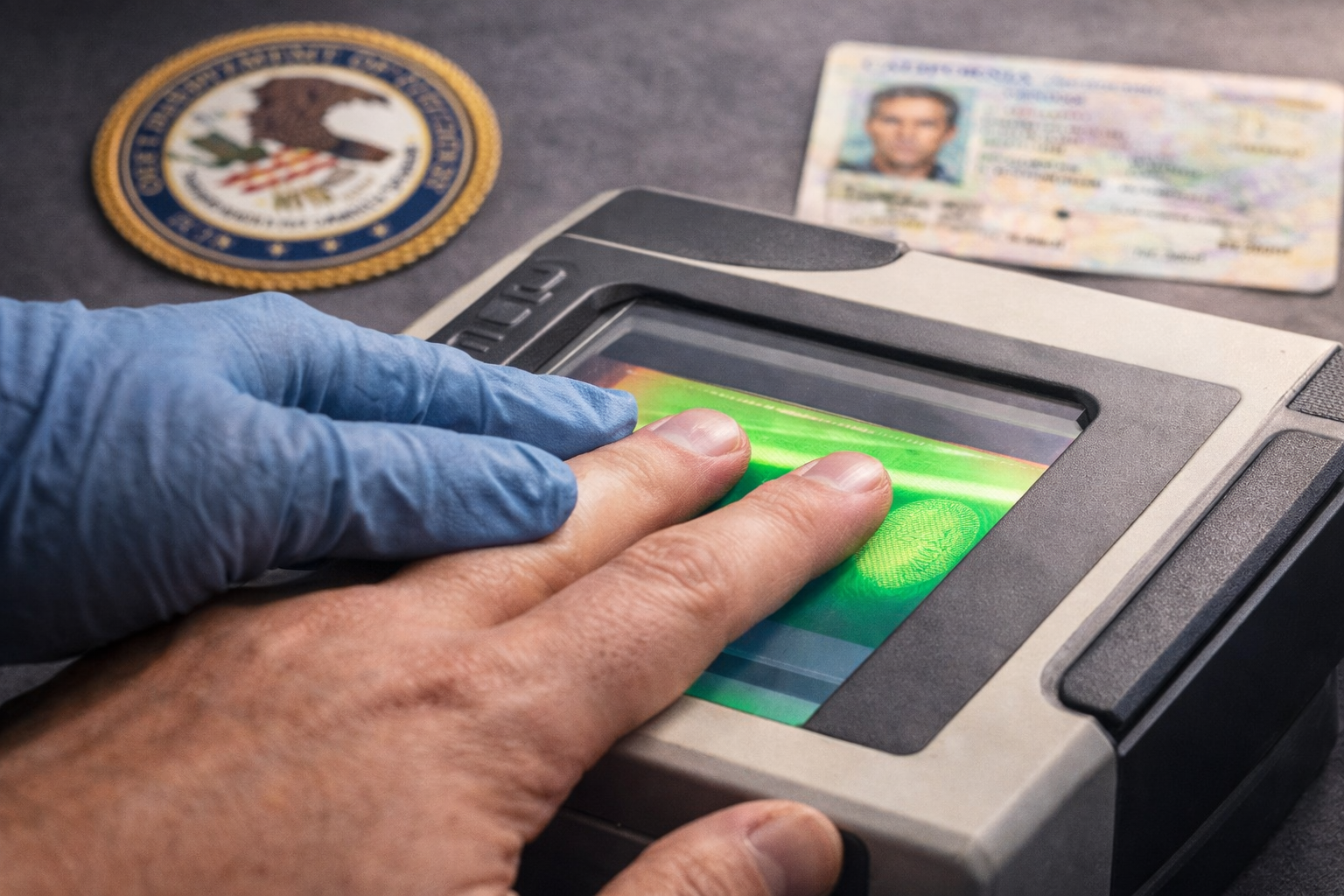
- Fingerprints are captured with quality control.
- Your demographics are confirmed.
- You receive the receipt with the ATI number before you leave.
Do not leave without that receipt. That receipt is what protects you if the State Bar later says they do not see your submission yet.
Step 7: After submission, track your timeline realistically
Live Scan submissions are transmitted quickly, but the turnaround time for processing is not fully under your control. It depends on agency workload, review flags, and how the requesting agency consumes the results.
Your job after submission is to keep the receipt and ATI number and follow your State Bar instructions for checking status. If follow-up is needed, that ATI number is the reference point that helps identify the transaction.
Understanding fees without getting surprised at the counter
Most Live Scan fees in California are made up of two parts:
- The provider’s rolling fee, which covers capturing and submitting your fingerprints.
- Government processing fees, which vary depending on whether the submission is DOJ only, FBI only, or DOJ plus FBI.
Your Request for Live Scan Service form and its ORI code configuration usually determine the government fee portion.
If you walk in without the form and ask “how much is Live Scan,” the only honest answer is that the total depends on your application type. A State Bar Live Scan submission can differ from other licensing checks because the routing and level of service differ.
The best practice is to bring the form and confirm the ORI code and level of service before the fee is finalized.
Common mistakes and delays for CA State Bar Live Scan applicants
This section saves the most time because these issues are predictable.
Mistake 1: Showing up without the Request for Live Scan Service form
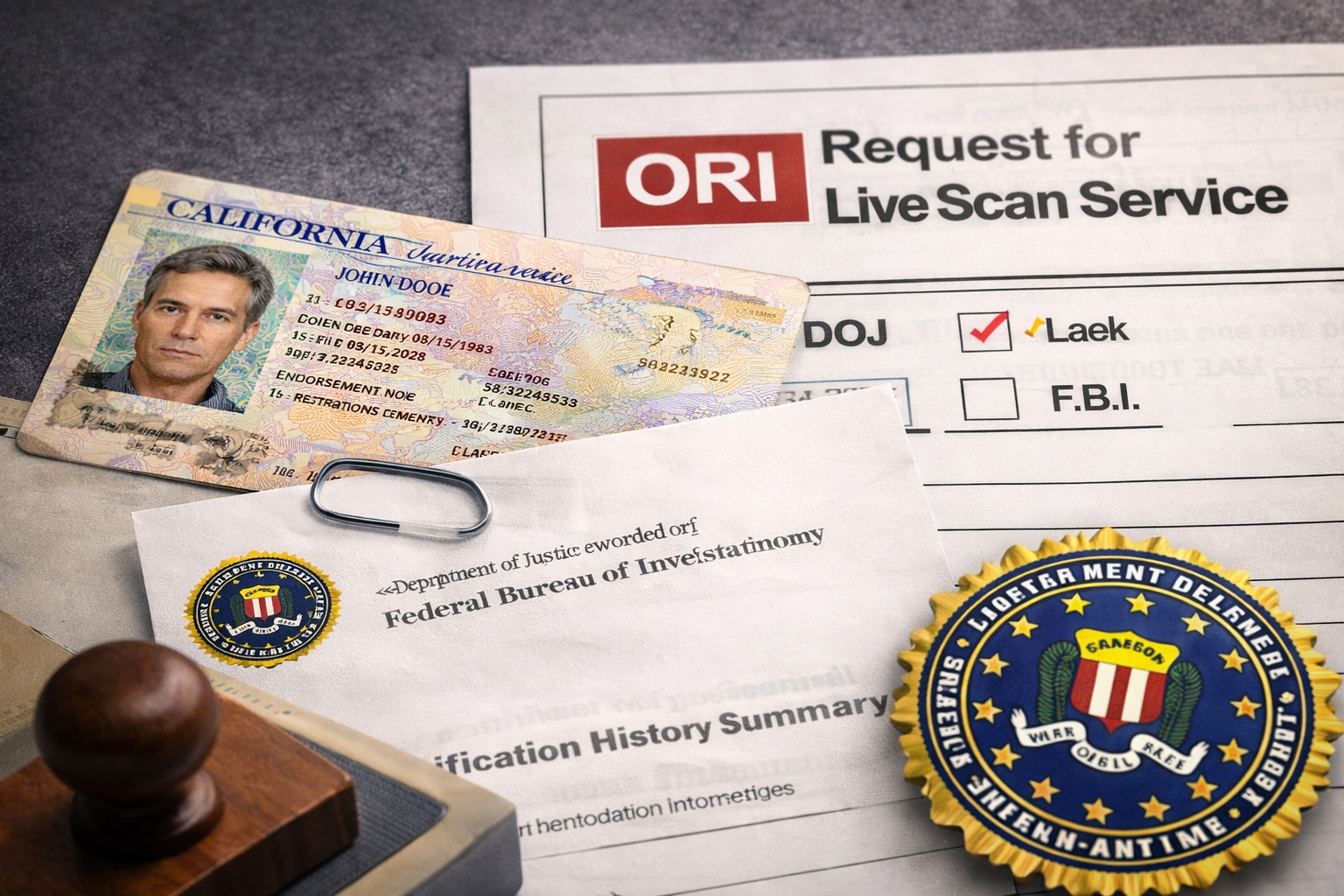
Live Scan is not a one-size-fits-all fingerprint scan. The operator needs the Request for Live Scan Service to route the submission correctly. Without it, the provider can capture prints, but the submission may not satisfy your State Bar requirement.
Fix: Obtain the correct form from the State Bar instructions and bring it with you.
Mistake 2: Using the wrong ORI code
Some applicants search online, find an ORI code, and assume it is correct. Others reuse an ORI from a prior job or license application. The result is misrouting.
Fix: Use the ORI code printed on your State Bar form, and do not substitute.
Mistake 3: Selecting DOJ only when DOJ plus FBI is required
This is a common error when the applicant is rushing and the operator is moving fast. If the State Bar requirement needs both, submitting DOJ only can lead to a mismatch and an incomplete status.
Fix: Confirm the level of service on the form before the scan is submitted.
Mistake 4: ID problems
Expired IDs, mismatched names, nicknames, and incomplete identity verification can all create delays. Even when the provider accepts the ID, downstream processing may flag it.
Fix: Use current, unexpired government ID and keep your name consistent with the form.
Mistake 5: Poor fingerprint quality leading to rejection or resubmission
Live Scan reduces smudging compared to ink cards, but quality issues still happen, especially if your fingerprints are worn due to manual work, dry skin, or certain occupations.
Fix: Hydrate your hands, avoid heavy lotion right before the appointment, and allow the operator to capture multiple attempts if needed. Do not force speed at the expense of quality.
Mistake 6: Waiting until the last minute
Even when the submission transmits quickly, processing and agency review can take time. If you wait until a deadline week, you remove your buffer and increase stress.
Fix: Schedule early enough that a rescan, if needed, does not threaten your timeline.
Mistake 7: Assuming you will receive the results directly
Applicants sometimes expect a PDF or email with the outcome. That is not how most Live Scan programs work. The results generally go directly to the requesting agency.
Fix: Keep your receipt and ATI number and follow the State Bar’s status process.
Mistake 8: Confusing Live Scan with out-of-state fingerprint requirements
If you are dealing with an out-of-state bar or a non-California process, Live Scan might not be accepted. Some agencies require ink fingerprint cards.
Fix: Follow the agency’s instructions. If ink cards are required, use the correct fingerprint card process.
Conditional Requirements: how the process changes based on your situation
If you are an in-state applicant physically in California
If you are in California and the State Bar gave you a Live Scan form, Live Scan is usually the intended method. Bring the Request for Live Scan Service form to a provider, complete the scan, and keep your receipt with the ATI number. This is typically the fastest route because submission is electronic and routed immediately.
If you are an out-of-state applicant
If you are outside California, you may not be able to use California’s Live Scan network. In that case, the State Bar may instruct you to submit fingerprint cards instead. Do not try to force a Live Scan submission if your instructions specify fingerprint cards. Follow the State Bar instructions for your specific situation.
If your form requires DOJ only
If the form indicates DOJ only, your provider should submit DOJ fingerprinting only. The most common failure point here is still routing. A wrong ORI code can misroute the submission and delay your State Bar file.
If your form requires DOJ plus FBI
If the form indicates DOJ plus FBI, confirm that both are selected before the submission is sent. Submitting DOJ only when DOJ plus FBI is required is a common reason applicants have to redo the scan.
If your name on ID does not match your State Bar file
If your name changed or your ID uses a different name format, the submission can be flagged for review. Use one consistent legal name format across your State Bar documents and your Live Scan form. If the State Bar asked for supporting documentation for a name change, follow those instructions.
Quick checklist for a smooth CA State Bar Live Scan submission
Use this as your final pass before your appointment:
- I have the correct Request for Live Scan Service form for my State Bar requirement.
- The ORI code is clearly visible, and I will not substitute another code.
- I understand whether my submission is DOJ fingerprinting, an FBI background check, or both.
- I have a valid, unexpired government photo ID.
- My name on the form matches my ID.
- I know to keep my receipt with the ATI number.
- I scheduled early enough to handle a rescan if needed.
FAQ
What are the Live Scan requirements for the CA State Bar in California?
You generally need the State Bar’s Request for Live Scan Service form, a valid government-issued photo ID, and the correct agency routing details, especially the ORI code. The form also indicates whether your submission is DOJ fingerprinting, an FBI background check, or both.
What is an ORI code and why does it matter for State Bar Live Scan?
The ORI code is the routing identifier that tells the Live Scan system where to send your results. If the ORI code is wrong, your submission can be misrouted and may not satisfy the State Bar requirement, even if your fingerprints were captured successfully.
Do I need DOJ only, FBI only, or DOJ plus FBI for the CA State Bar?
Follow your State Bar form. The requesting agency determines the required level of service. Your Request for Live Scan Service will indicate whether it requires DOJ fingerprinting, an FBI background check, or both.
Will I receive my Live Scan results directly?
In most cases, no. The results are sent to the requesting agency. What you receive is a receipt showing the submission and the ATI number. Keep that receipt as proof that your Live Scan was transmitted.
What is an ATI number and when do I need it?
The ATI number is the transaction number generated when your Live Scan is submitted. If there is a status issue or the requesting agency cannot locate your submission right away, the ATI number is often the reference used to identify the transaction.
What causes the most common delays for CA State Bar Live Scan?
Incomplete forms, an incorrect ORI code, selecting the wrong level of service, ID mismatches, and fingerprint quality issues are the most common reasons. Waiting until the last minute also creates problems because it removes your buffer if anything needs to be redone.
Can I use Live Scan if I am not in California?
Not always. Live Scan is primarily tied to California’s system. If you are outside California, the State Bar may instruct you to submit fingerprints using an alternative method, often fingerprint cards. Follow the State Bar’s instructions rather than guessing.
If I search “Live Scan near me” in Los Angeles, what should I check before booking?
Confirm that the provider can process the form exactly as provided, including the ORI code and the required DOJ and FBI level of service. Also confirm you will receive a receipt with the ATI number before you leave.
How long does CA State Bar Live Scan processing take?
Transmission is quick, but processing time varies based on agency workload, review flags, and how the requesting agency handles results. The best approach is to submit early and keep your ATI number for reference.