
What is the ORI code for a firearms eligibility check?
Firearms eligibility record review submissions route under ORI AB165. The ORI is what sends your results to the right place. If it is entered incorrectly, your fingerprints transmit successfully and nothing arrives.
Firearms record review submissions under this ORI are California DOJ only. There is no FBI component. That follows from what the check actually is: a search of California DOJ’s own firearms and ammunition records, not a federal criminal history check. The ORI covers three applicant types — personal firearm eligibility check, firearms record review and ammunition record review — and all three are set for California DOJ level only.
The level is not something you or the operator choose for this request. It follows the applicant type on the form.
How do I complete Firearms Eligibility Record Review Live Scan requirements in Los Angeles?
To complete Firearms Eligibility Record Review Live Scan requirements in Los Angeles, start with the exact Request for Live Scan Service form tied to your Firearms Eligibility Record Review request. The form controls routing, so your submission only counts if the operator enters the ORI code and agency fields exactly as printed and selects the correct level of service the form requires. If the ORI code is entered wrong or the wrong level of service is selected, your fingerprints can transmit successfully and still not satisfy the requirement.
Next, keep identity matching clean. Your name and date of birth on the form should match your government ID exactly, including spacing and hyphens. Small differences can slow matching on the receiving side even when the scan is completed correctly.
Finally, leave with proof. Keep your receipt showing the ATI number and save a clear photo of it. The ATI number is the fastest way to track your submission if you’re told results were not received or your file shows pending.
Use this link to learn more about live scan services: Live Scan.
What a Firearms Eligibility Record Review is in practical terms
People request a Firearms Eligibility Record Review for one main reason. They want an official review of their record status to confirm whether something on their history is causing a restriction, or they want clarity before they waste time on the wrong paperwork.
This topic attracts a lot of confusion because people mix up three different ideas.
- A criminal record check for employment.
- A generic “background check” for personal information.
- A firearms eligibility review pathway tied to a specific form and routing.
A Firearms Eligibility Record Review Live Scan is not simply “getting fingerprinted.” It is a routed submission that must land in the correct pipeline to produce the correct type of result.
That is why the form matters. The form tells the Live Scan system where your results go. If you use the wrong routing, you can still walk out with a receipt and a payment confirmation, but your results may not land in the correct lane.
Why this is not interchangeable with other Live Scan submissions
A common question is, “I already did Live Scan for work last month, can I reuse it?”
In most routed submission systems, the answer is no.
Live Scan submissions are agency-specific. Your fingerprints do not just “exist in the system.” They are transmitted to a destination agency or program based on routing data entered by the operator.
That routing data comes from your request form. The ORI code functions like an address. If you scan under a different ORI for a different purpose, the results go to that different agency lane.
This is exactly how people lose time.
They complete a scan, then later discover it was routed to the wrong place and the intended review pathway never received it.
So for Firearms Eligibility Record Review, the safer rule is simple.
- Use the correct form.
- Use the correct routing on that form.
- Keep your ATI number proof.
If you do those three things, your submission has a much higher chance of being processed without avoidable setbacks.
Who typically needs a Firearms Eligibility Record Review Live Scan
Most applicants fall into one of these situations.
- They want to confirm what is showing on their record and whether it affects eligibility.
- They had a prior issue, delay, or denial and want clarity on what is being reported.
- They want to correct confusion caused by similar names, old cases, or inaccurate record links.
- They were instructed to submit prints for this specific review pathway and received the appropriate request form.
In all of these situations, the same principle applies. This is a form-driven submission. If you do not have the correct request form for this specific process, do not guess.
Getting the correct form first is the step that prevents the most time-wasting mistake later.
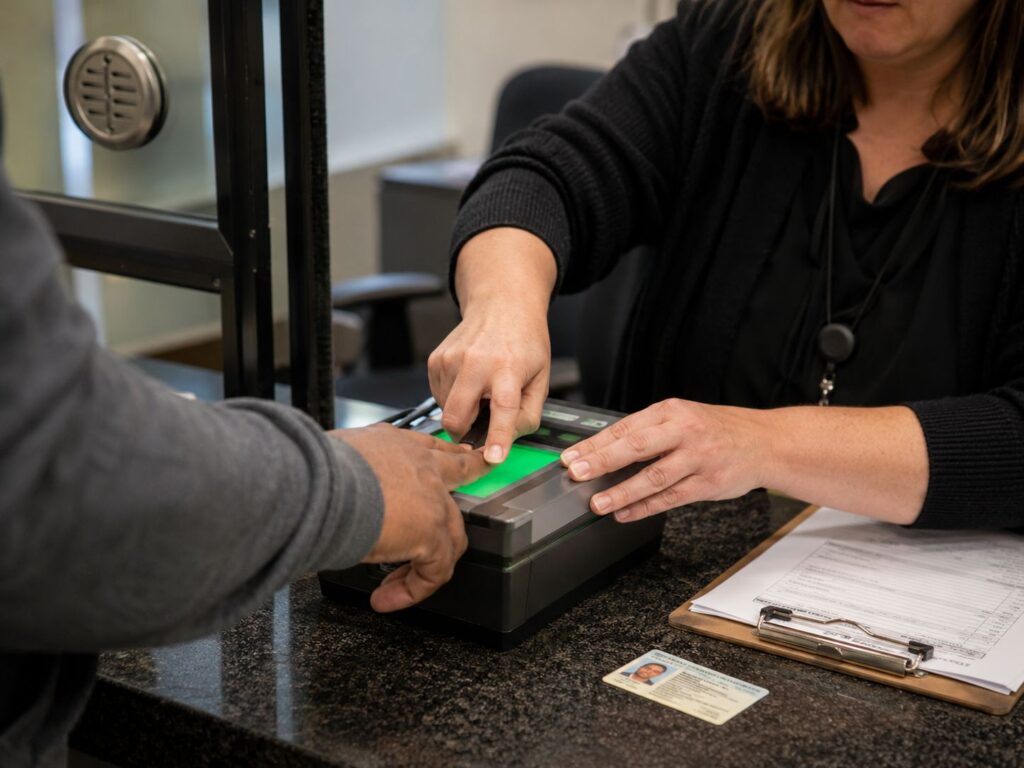
DOJ fingerprinting vs FBI checks: what matters here
In many California Live Scan workflows, the level of service can be DOJ only, FBI only, or DOJ plus FBI. People often choose based on what sounds standard, then get stuck.
Here is the practical distinction.
- DOJ fingerprinting is tied to California’s system and California record checks.
- An FBI component, when required, adds a federal record check layer.
- Some routed programs require both because they want broader coverage.
For a Firearms Eligibility Record Review Live Scan, you should not guess. The correct level of service is the one printed on your Request for Live Scan Service form.
If the form requests DOJ only, submit DOJ only.
There is no DOJ plus FBI option for a firearms or ammunition record review — this request is California DOJ only.
Before you scan, check that the level of review printed on your form is the level showing on the operator’s screen. They should match. The DOJ tables the operator works from are updated by DOJ itself, so where there is a discrepancy it is usually the form that is out of date — and that is worth catching before the scan, not after. Say something if the two do not line up.
If you are dealing with a separate federal record requirement for a different purpose and you need the correct lane for that service, use FBI record request details.
The Request for Live Scan Service form is the control panel
If you want to avoid delays, treat your request form like a shipping label. A perfect scan with the wrong label still goes to the wrong destination.
For Firearms Eligibility Record Review Live Scan submissions, the most sensitive fields are usually the same fields that cause problems in every routed Live Scan program.
- The ORI code.
- The requesting agency name and program identifiers.
- Applicant name and date of birth fields.
- The level of service selection.
- Your proof and tracking fields, especially the ATI number.
The operator uses the information on your form. The operator is not choosing what you need based on your explanation. If the form is wrong, the submission can be wrong.
This is why you should avoid two risky behaviors.
Do not use a copied form from someone else.
Do not use a form you found online unless it came from the official instruction packet for this specific process.
Use the form that is tied to the Firearms Eligibility Record Review pathway.
The ORI code and why one character matters
The ORI code is the routing address. It tells the Live Scan system where the results must go.
People often treat it like a reference number that can be “close enough.” It cannot.
Even one wrong character can route the submission away from the correct pipeline. That can create a situation where you completed Live Scan, you paid, you have a receipt, and the destination agency still says they do not have your submission.
The fix is prevention.
- Use only the ORI code printed on your current request form for Firearms Eligibility Record Review.
- Do not copy an ORI from an old screenshot.
- Do not assume an ORI from a different program is “basically the same.”
If your form looks old, re-confirm you are using the current version intended for your submission. This is one of the simplest ways to avoid the rescan loop.
Applicant information matching is the second biggest delay trigger
The second most common delay is not routing. It is identity matching.
Even when the submission is routed correctly, the results need to match to the correct applicant file. That matching is based on the information entered at submission.
This is why small differences cause real problems.
- A missing middle name in one place but not another.
- Two last names combined differently across documents.
- A hyphen in one place but not another.
- A date-of-birth typo that makes the record hard to match.
- A nickname used on the form instead of the legal name on the ID.
Your best approach is boring, but effective.
- Fill the form to match the ID you will present at the appointment.
- Keep spelling consistent.
- Keep spacing consistent.
- Review the receipt before you leave.
If your name recently changed and the name you use on your ID differs from older documents, keep your current submission consistent with your current ID unless your instruction packet explicitly directs otherwise.
The ATI number is your insurance policy
The ATI number is the receipt-style tracking number generated at submission. It is one of the few things you can keep that helps resolve missing-results issues quickly.
If you leave without the ATI number, your ability to prove submission becomes weaker. If the destination agency cannot match the submission quickly, you may be asked to rescan, even though you already completed the scan.
So treat the ATI number like you treat a shipping tracking number.
- Confirm it is printed and readable.
- Take a clear photo of it.
- Keep your scan date and location saved with it.
If you later need to follow up, having the ATI number and scan date makes resolution much faster.
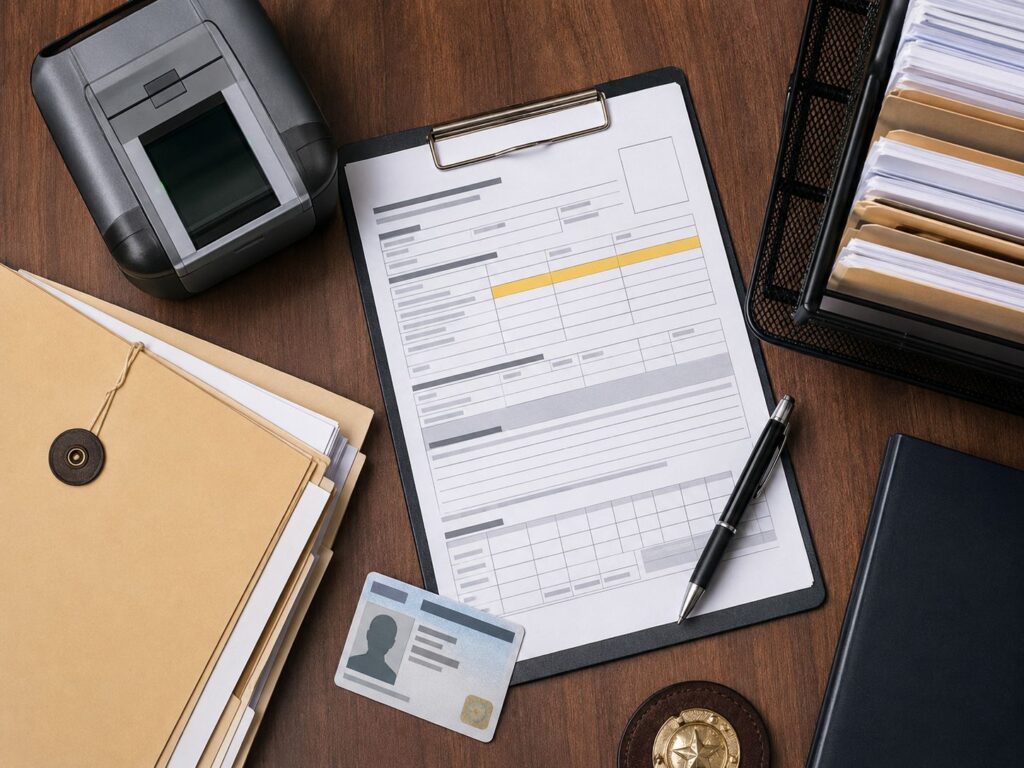
Step by step: Firearms Eligibility Record Review Live Scan in Los Angeles
This process is written so you can do it once and avoid preventable rework.
Step 1: Confirm you have the correct request form
Make sure your Request for Live Scan Service form is specifically for the Firearms Eligibility Record Review pathway you are completing.
- The requesting agency line should match your instructions.
- The form should include the ORI code.
- The level of service should be clearly indicated.
If you have multiple forms, do not assume they are interchangeable. Use the form tied to your specific submission instructions.
Step 2: Fill out personal fields before the appointment
Complete your name, date of birth, and any other required personal fields neatly.
Match your government ID exactly.
Avoid nicknames.
Keep spacing consistent.
Do this at home, not at the counter. Rushing increases typos.
Step 3: Bring valid government ID and payment
Bring a valid government photo ID.
If your ID is expired, do not assume it will be accepted.
Bring your payment method. Live Scan totals often include a rolling fee plus any required government fees based on the level of service.
Step 4: Hand the operator the form and confirm the purpose
Do not treat the appointment like a generic scan.
Hand the operator your request form and confirm that the submission is for Firearms Eligibility Record Review. This helps ensure the operator uses the correct routing fields from your form.
Step 5: Complete the scan and review the receipt before leaving
Before you leave, confirm three things.
- Your name is correct.
- Your date of birth is correct.
- Your ATI number is printed and readable.
If anything is incorrect, ask for correction immediately. Fixing it at the appointment is easier than trying to fix it after transmission.
Step 6: Follow any submission or proof instructions tied to your pathway
Some programs only need electronic transmission and do not require you to mail anything additional.
Other pathways require you to attach your receipt copy to a packet.
Follow the instruction set you were given. Even if proof is not required, keep your copy.
Quick reference table
| Situation | What you should do | What you must bring | What you should keep | Most common delay |
| You are in California with the correct form | Complete Live Scan using the form’s routing | Printed form, valid ID, payment | Receipt copy with ATI number | Wrong ORI or applicant info typos |
| Results appear missing or unmatched | Use ATI number to help match submission | ATI number, scan date, scan location | Photo of ATI number + receipt | No ATI number, wrong routing, name mismatch |
| You are out of state | Use fingerprint cards if your instructions allow it | Correct card instructions and card type | Mailing proof and tracking | Wrong card format, poor print quality, incomplete packet |
| Form requires DOJ plus FBI | Submit exactly as requested | Form showing DOJ plus FBI | ATI number | Submitting DOJ only |
| Name recently changed | Keep submission consistent with current ID | ID and form aligned | Any required supporting proof | Manual matching delays |
Conditional requirements
This section is structured so you can quickly identify your lane and avoid the wrong submission path.
If you are in California and can complete Live Scan
This is usually the fastest lane because results transmit electronically.
Your biggest risk is routing mistakes, not scan quality.
- Use the correct form.
- Confirm the ORI code is the one printed on that form.
- Keep your ATI number.
If you do those three things, most preventable issues disappear.
If you are out of state or cannot access a California Live Scan location
Live Scan is a California system. If you are out of state, you may be instructed to use fingerprint cards rather than Live Scan.
Card-based submissions usually take longer for predictable reasons.
- Mailing time adds delay.
- Print quality can trigger rejection.
- Missing fields can trigger resubmission.
If your instructions require a card-based lane, use fingerprint card options for that workflow.
If you are in this lane, plan buffer time. Waiting until the last week is how people miss deadlines.
If your form indicates an FBI component
Treat it as mandatory when it appears on the form.
Submitting DOJ only when DOJ plus FBI was required is one of the most common reasons a file stays pending.
Follow the level of service printed on your request form. Do not guess.
If you have a name mismatch across documents
Name mismatches create quiet delays. Even when the submission routes correctly, matching to the correct applicant file can slow down.
If your ID name differs from a prior name used elsewhere, keep the submission consistent with your current ID unless the instruction packet tells you to enter a different name format.
If your pathway requires a supporting document to explain a mismatch, handle that early. Do not wait until after you scan to solve identity mismatches.
If you completed Live Scan for another purpose recently
Do not assume it transfers.
A Live Scan submission routed to another agency lane does not automatically satisfy a Firearms Eligibility Record Review Live Scan requirement.
If someone tells you “we don’t have your submission,” confirm that your receipt shows the correct ORI and the correct purpose based on your form.
If it does not, you likely need to resubmit using the correct form routing.
Common mistakes that cause delays
Most delays come from the same set of predictable errors. If you want to avoid resubmissions, focus on these.
- Using the wrong form or an old form version.
- Copying an ORI code from an old screenshot.
- Leaving fields blank that the request form requires.
- Entering a name that does not match the presented ID.
- Choosing the wrong level of service.
- Leaving without the ATI number.
- Assuming a prior Live Scan submission can be reused.
- Waiting too late and losing buffer time.
These are not complicated mistakes. They are simple process errors that have big time consequences because routed submissions are strict.
How to avoid the “I did it but they can’t find it” situation
This is the most frustrating outcome because you did the work and paid the fee, but your results appear missing.
In most cases, missing results come down to one of these causes.
- Wrong ORI or wrong agency routing was used.
- Wrong level of service was selected.
- Applicant information did not match the receiving file.
- The applicant cannot provide an ATI number to help match the submission.
The prevention steps are simple.
- Use the correct request form.
- Review the ORI code before submission.
- Review the level of service before submission.
- Review your personal information before leaving.
- Keep your ATI number and scan date.
If you do that, most missing-results issues become quick to resolve.
A realistic timeline mindset
People often ask for a single number of days.
In reality, processing time depends on workload and the level of service. Some submissions clear quickly. Some take longer.
The best strategy is to remove preventable delays and build buffer time.
If you submit correctly and keep proof, you can respond quickly if anyone requests verification. If you submit incorrectly or lose proof, small issues turn into rescan events.
That is why process discipline matters more than speed hacks.
A quick check now can save you a full redo later. Confirm you have the correct request form for California DOJ Firearms Eligibility Record Review Request for Live Scan Service (BOF 8016RR) Eligibility Record Review, confirm the ORI code and level of service match what the form requires, and make sure your name and date of birth match your ID exactly. After your scan, save your receipt with the ATI number. Those steps prevent most delays and reduce the chance you will need to resubmit.
FAQ
What is the ORI code and why does it matter for Firearms Eligibility Record Review Live Scan?
The ORI code is the routing address that tells Live Scan where to send your results. If it’s entered incorrectly, your results can be routed to the wrong destination even if the scan was completed successfully.
What is the ATI number?
The ATI number is the tracking reference printed on your Live Scan receipt. It helps locate your submission if you’re told results were not received or if your status shows pending.
What should I bring to a Firearms Eligibility Record Review Live Scan appointment?
Bring the Request for Live Scan Service form for your requirement, a valid government photo ID, and your payment method. After the scan, keep your receipt with the ATI number and save a photo of it.
Does this Live Scan require DOJ only or DOJ plus FBI?
Follow what your specific request form requires. Many Live Scan requests are DOJ-only, but some forms may include an FBI component. Submitting the wrong level of service is a common reason applicants are asked to redo the submission.
Can I reuse a previous Live Scan submission for this request?
Usually not. Live Scan submissions are routed by agency and purpose. A prior submission for a different program may not satisfy this request if the ORI and routing were different.
What causes the most common delays?
The most common delays are using the wrong form, ORI routing errors, selecting the wrong level of service, name or date-of-birth mismatches, and not saving the ATI receipt proof.
Do I need to send my receipt to anyone?
Some programs rely on electronic transmission only, but you should still keep the receipt with the ATI number. It’s the fastest way to support follow-up if the receiving office cannot locate your results.